
Short answer
To choose sensors for a multimodal test rig, start from the effects you must observe and their highest frequencies, sizes and durations. Then pick, per channel, a sensor whose bandwidth, resolution and frame rate cover them with margin, a sample rate of roughly 2.5 to 4 times the highest frequency of interest, a mounting that preserves the response, and a plan for time stamps and storage.
Key takeaways
- Write down the effects the rig must observe, with their frequency, spatial scale and duration, before looking at any datasheet.
- For vibration, the usable band is limited by the sensor's bandwidth and resonance and by the mounting method described in ISO 5348, not just by the ADC sample rate.
- Analog Devices recommends starting with a sampling rate of about 2.5 to 4 times the highest frequency of interest and designing the anti-aliasing filter to match.
- Small radiometric thermal cores update at under 9 Hz, so fast thermal events need a different camera class or a different modality.
- Time-stamping, file formats and data volume belong on the checklist from day one, because they are expensive to fix after the first campaign.
A multimodal test rig is a measurement set-up that records the same specimen, machine or process through several physically different channels, typically vibration, sound, vision, thermal imaging and sometimes depth. Choosing the sensors for it is mostly a matter of discipline: knowing what you need to see, then checking that every link in each channel's chain can deliver it.
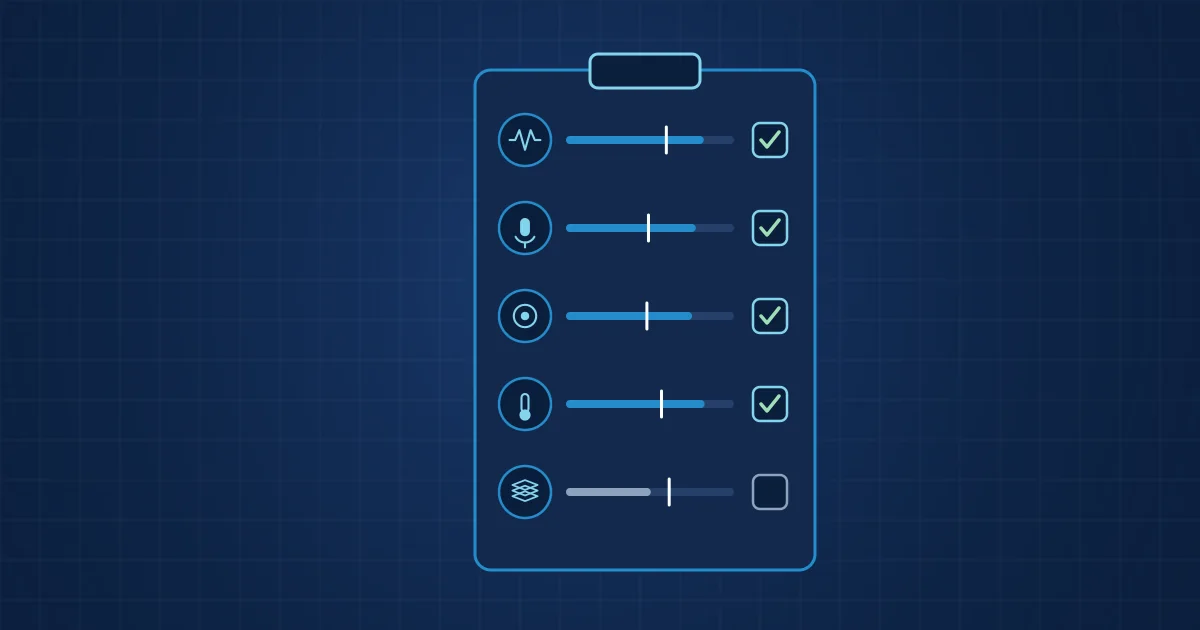
This checklist is organised by channel. Each section lists the questions to answer and the figures to check on datasheets. The last sections cover time, storage and a summary table you can copy into a specification.
Start with the questions the multimodal test rig must answer
Before any sensor is chosen, write a short table of the effects you need to observe. For each effect, note:
- What changes physically: acceleration, sound pressure, temperature, geometry, distance.
- The highest frequency of interest for time signals, or the shortest event duration for imaging.
- The smallest feature that must be resolved, in micrometres, millimetres or kelvin.
- Where it happens and whether a sensor can be placed there or needs a line of sight.
- The operating range: temperatures, oil, coolant, electromagnetic noise, moving parts.
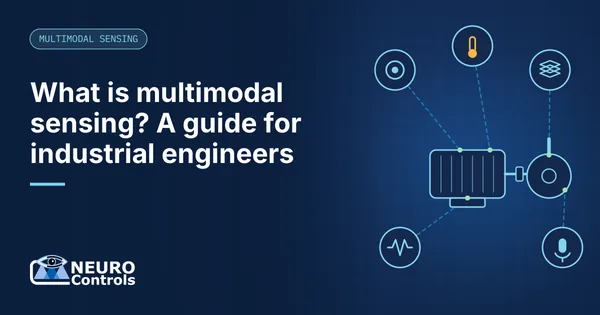
This short exercise prevents the most common mistake on test rigs: buying the sensor with the best headline number and then discovering that the mounting, the window or the frame rate makes it useless for the actual effect. If you are new to the reasoning behind combining channels, our introduction to multimodal sensing explains why each modality is there.
Checklist 1: vibration channels
Vibration is usually the fastest channel on the rig, and its chain has the most places to lose information.
- Sensor bandwidth and resonance. Check the frequency range at a stated tolerance and the mounted resonance. The ADI ADXL1002, for example, specifies a 3 dB bandwidth up to 11 kHz and a resonant frequency of 21 kHz. Plan your analysis band below the resonance.
- Measurement range. Peak acceleration including shocks must stay inside the range: the ADXL1002 covers +/-50 g. Clipping destroys exactly the impacts you often want to see.
- Noise floor. Compare the sensor's noise density with the smallest signal you expect, integrated over your analysis band.
- Mounting method. ISO 5348 describes how mounting affects frequency response. Stud mounting on a flat, clean surface preserves the most bandwidth; magnets and adhesive pads reduce it.
- Sample rate and anti-aliasing. The ADI tutorial MT-002 recommends starting with a sample rate of 2.5 to 4 times the highest frequency of interest and choosing the anti-aliasing filter accordingly.
- ADC resolution and gain. Make sure small signals are not lost in quantisation and large ones do not clip. A programmable-gain amplifier ahead of the converter helps when amplitudes vary between test conditions.
- Axes and positions. Decide which directions matter (radial, axial) and whether one triaxial or several uniaxial sensors are needed.
For bearing tests in particular, check that the band covers several harmonics of the expected defect frequencies, not just the fundamentals, and that the envelope band sits below the mounted resonance.
Checklist 2: acoustic and ultrasonic channels
- Frequency range of the capsule. A measurement capsule such as the Microtech Gefell MK 301, a 1/4 inch condenser capsule, is specified from 5 Hz to 100 kHz. Consumer and USB microphones are usually designed for the audible band.
- Sample rate. For ultrasound up to 100 kHz, the Nyquist criterion demands at least 200 kSPS, and the 2.5 to 4 times rule from MT-002 points to 250 to 400 kSPS so that a practical anti-aliasing filter fits. Close to the Nyquist limit the filter gets demanding, so many analyses use a narrower band than the capture band. For audible-band work, 48 kHz is usually enough.
- Field type and orientation. Free-field capsules are designed to point at the source; check the datasheet for the intended sound field.
- Maximum sound pressure level. Impacts, presses and compressed-air blasts can exceed the linear range of sensitive capsules.
- Distance and background. Record a background-only measurement with the specimen stopped. If the background is close to the signal in your band, move the microphone, shield it or move to the ultrasonic band.
- Polarisation and preamplifier. Classic condenser capsules need a polarisation voltage; the MK 301 is specified at 200 V. Check that your preamplifier and supply match.
Airborne ultrasound has its own specific uses, described in our article on ultrasound for leak and friction detection.
Checklist 3: vision, thermal and depth channels
Cameras
- Shutter type. Use global shutter for anything that moves during exposure. The OmniVision OV9281 is a 1280 x 800 global-shutter sensor rated up to 120 fps at full resolution.
- Frame rate versus event duration. Your event should span several frames, or you need a trigger.
- Resolution at the object. Divide the field of view by the pixel count to get millimetres per pixel; your smallest feature should cover several pixels.
- Exposure and lighting. Fix exposure and lighting for the whole campaign, or record them, so that image changes reflect the specimen, not the lamp.
- Optics protection. Spatter, oil mist and dust need a protective window and a cleaning plan.
Thermal
- Frame rate. The FLIR Lepton 3.5 datasheet specifies an effective 8.7 Hz. That suits slow heating and cooling, not millisecond events.
- Temperature range and gain mode. The Lepton 3.5 covers -10 to +140 °C in high gain and up to about +400 °C in low gain at room temperature, with different accuracy in each mode.
- Accuracy versus sensitivity. Sensitivity below 50 mK is excellent for differences; absolute accuracy of +/-5 °C or 5 % in high gain is not a calibrated pyrometer.
- Emissivity and reflections. Plan for coatings, emissivity references or relative measurements, following the principles of ISO 18434-1.
Depth
- Resolution and range. A direct time-of-flight sensor gives a coarse map; check zone count, field of view and range against your geometry.
- Surface properties. Very dark, very shiny or transparent surfaces need a trial before you commit.
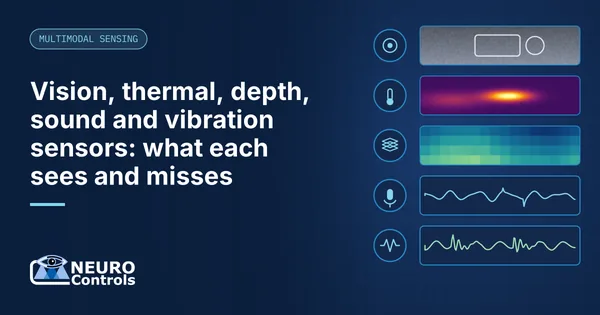
The strengths and blind spots of each modality are compared in more detail in what vision, thermal, depth, sound and vibration each see and miss.
Checklist 4: time stamps, storage and formats
These are the items that are hardest to fix after the first campaign.
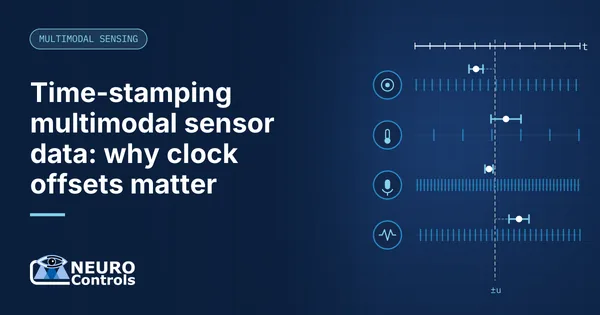
- Time reference. Decide which clock is the reference for the rig and how every channel's offset to it is measured and recorded, with its uncertainty. See our article on time-stamping multimodal sensor data.
- Triggering. Decide whether runs are started by a shared trigger, by software or continuously recorded and cut later.
- Data volume. Estimate bytes per second per channel and multiply by campaign length. As an illustration, one vibration channel at 200 kSPS, stored at 4 bytes per sample (a 32-bit container), produces 0.8 MB/s or about 69.1 GB per day.
- File formats. Choose open formats your analysis tools can read and agree them with the data scientists before recording.
- Metadata. Record specimen ID, operating conditions, sensor serial numbers, mounting, gain settings and software version with every run.
- Integrity. Hash files or segments and keep the reference hashes and a list of all segments in a separate record, so you can show later that data was not altered, truncated or removed.
- Gaps. Make sure dropouts and power losses leave a visible, logged gap rather than a silent splice.
Summary table for your specification
| Channel | Key figure to specify | Typical pitfall | Datasheet item to check |
|---|---|---|---|
| Vibration | Highest frequency of interest | Mounting reduces usable band | 3 dB bandwidth, resonance, range |
| Acoustic | Analysis band, audible or ultrasonic | Background noise, capsule range | Frequency range, max SPL, field type |
| Camera | Frame rate and mm per pixel | Motion blur, rolling shutter | Shutter type, fps at resolution |
| Thermal | Temperature range and event duration | Emissivity, slow frame rate | Frame rate, NETD, accuracy per gain mode |
| Depth | Zone count and range | Dark or shiny surfaces | Zones, field of view, range |
| All | Time reference and uncertainty | Unknown offsets between channels | Time-stamp method, buffering |
How NeuroControls approaches test rigs
Many of our products started as a research rig. The Vibration Node pairs an ADXL1002 with an LTC6373 programmable-gain amplifier and an ADAQ4003 converter at 18 bits and 200 kSPS. That rate sits far above the sensor's 11 kHz bandwidth, which leaves a wide margin for the anti-aliasing filter; as in checklist 1, the usable analysis band is still set by the sensor and its mounting. The Acoustic Node uses an MK 301 E measurement capsule with a 2 to 100 kHz capture band; it is production-proven from 2 to 20 kHz, and characterisation above 20 kHz is done per application. The Edge AI Hub records the cameras and thermal core, time-stamps every stream on the hub and stores a versioned manifest with per-segment SHA-256 hashes.
Data exports to NWB, MKV/HEVC, JSONL and CSV. For laboratories, the labs and test rigs page and our kits are the place to start; unusual rigs can be specified as a custom sensing system.
Frequently asked questions
What sample rate do I need for vibration measurements on a test rig?
Start from the highest frequency of interest, then sample at roughly 2.5 to 4 times that frequency, as Analog Devices recommends in its Nyquist tutorial, with a matching anti-aliasing filter. Check that the accelerometer's bandwidth and the mounting method actually deliver that frequency range. A fast ADC does not help if the sensor or its mounting has already filtered the signal.
Can I use a USB microphone for acoustic measurements on a test rig?
For audible-band event recording, a good USB microphone at 48 kHz can be useful. For quantitative acoustics or ultrasound, a measurement capsule with a specified frequency response, a suitable preamplifier and a fast converter is the better choice. Check frequency range, maximum sound pressure level and field type on the datasheet before deciding.
Is a small thermal camera fast enough for process monitoring?
It depends on the process. Small radiometric cores such as the FLIR Lepton 3.5 have an effective frame rate of 8.7 Hz, which suits heating, cooling and steady-state temperature distributions. Events lasting a few milliseconds, such as spatter or the weld pool itself, fall between frames. For those, use a faster camera class or capture the event through sound or vibration.
How do I mount accelerometers on a test rig?
Stud mounting on a flat, clean, spot-faced surface gives the widest usable frequency range. Adhesive mounting is a good compromise, while magnets are convenient but reduce bandwidth and add their own resonance. ISO 5348 describes how mounting methods affect frequency response. Whatever you choose, keep the same method for the whole campaign and record it in the metadata.
What data format should a multimodal test rig record?
Use open formats your analysis team can read without proprietary software, with metadata stored alongside the data. Common choices are CSV or JSON Lines for low-rate signals and events, standard video containers for camera data and structured scientific formats such as NWB for multichannel time series. Agree the formats and metadata fields before the first recording campaign.
Sources and further reading
- Analog Devices ADXL1002 MEMS accelerometer
- ISO 5348:2021 Mechanical vibration and shock, mechanical mounting of accelerometers
- Walt Kester, MT-002: What the Nyquist criterion means to your sampled data system design (Analog Devices)
- Microtech Gefell MK 301 measurement microphone capsule catalogue
- OmniVision OV9281 global-shutter image sensor
- Teledyne FLIR Lepton 3.5 datasheet
- ISO 18434-1:2008 Condition monitoring and diagnostics of machines, thermography, Part 1